|
How to break the frame line on an Out-of-Bounds area
|   |
|
How to break the frame line on an Out-of-Bounds area
| |
You can place an Out-of-Bounds (Out-of-bounds) area on the map using the New Temporary Out-of-Bounds area tool. By default, the area does not have a frame line.
If you need to indicate that the area is taped in the terrain, you can add a frame line by right clicking on the area and selecting "Solid Line" or "Dashed Line".
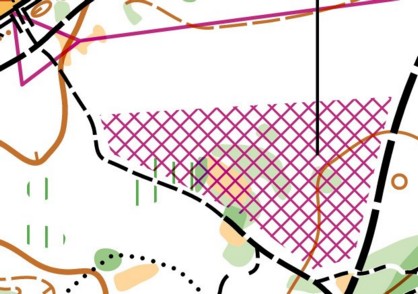
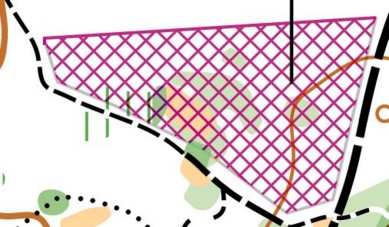
But what if you only want the frame on part of the object?
In that case, you can use the Toggle Segment tool ( ) to toggle on or off each individual segment of the frame line. Select the Out-of-Bounds area, so that you can see the black corner handles, then select the Toggle Segment tool and click on the relevant segments that you want to turn on or off.