|
How to draw and use route choices
|   |
|
How to draw and use route choices
| |
When planning sprint courses, an important element is to consider different route choices, and to calculate the lengths of these route choices.
This is where the "route choice line" tool comes in handy:

Once you have selected this tool, you can start drawing route choices. Initially, all route choice lines are beelines shown in pale blue.
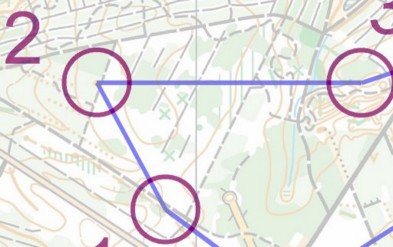
Start by selecting a course leg. The line changes to a red "rubberband".
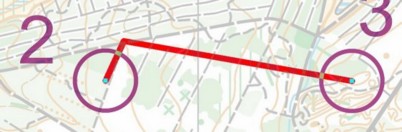
Now draw the route choice by clicking where you want the line to bend.
You can always delete the latest bend by clicking the right mouse button, and you can move the "insert point" to a different part of the route choice line by clicking at that part.
Once you are done, you can add another route choice by using the menu Course Leg / Add route choice
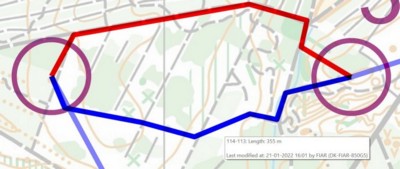
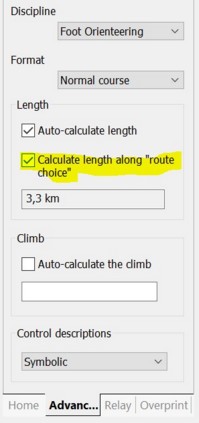
To configure a course to use the shortest route choice when calculating the course length, use the "Advanced" tab in the course dialog window: