|
Masking the map
|   |
|
Masking the map
| |
There may be cases where you don't need the full extent of the map.
An example could be when you have a very large map that covers much more than you need for the current event.
Another example could be a training exercise where you want the map to be visible only around the controls.
Or you want to create a graphics layout where some parts of the map is not needed.
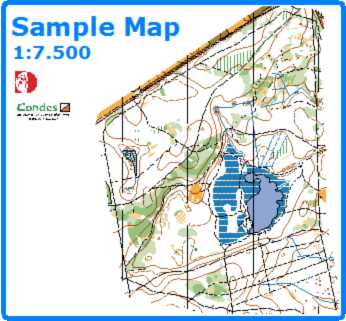


There are two ways to mask parts of the map:
For method 1),
Use the New Mask Area tool on the toolbar and draw a mask area on top of the map.
For method 2),
 on the toolbar, and then clicking on the edge of the map.
 from the toolbar.
 .
. An alternative to masking the map is cropping the map.